Our Browser options are currently all tied to one of the big AdTech companies:
* Safari is owned by Apple
* Edge is owned by Microsoft
* Chrome is owned by Google
* Firefox is partnered with Facebook/Meta
I guess technically there's Opera (owned by Chinese company Kunlun) and Brave (known for inserting affiliate links into stuff), which aren't any better.
In the future there might be Ladybird (where we'll have to see if Shopify wants something in return for their >=$100,000 investment), though that's pretty far off.
I know that maintaining a browser is a massive amount of work, but man, things are bleak. I guess that an OSS fork like Librewolf or Chromium is the best option these days.
They do have a "Privacy Preserving Ad Measurement" setting that's enabled by default. Just like Firefox, you can opt out of it, but it is opt-out - so same deal as with Firefox. Apple may be a lot better than others, but they're still doing tracking.
This is not tracking for Apple ads, this is the exact sort of thing that Firefox is experimenting with now, of providing a carrot to advertisers in the form of a means of measuring ad effectiveness without violating user privacy.
Apple turned on its equivalent of PPA by default in Safari and iOS back in 2021. Apple also runs ads in Apple News, which you cannot uninstall on MacOS.
Does anyone have a recommendation for an Open Source 2FA OTP app? That's the only thing I use Authy for, to scan the QR Codes into the App and generate the 2FA tokens, but in a way that allows me to migrate to another phone without having to re-set all the 2FA tokens on the vendor side.
I personally use Bitwarden for TOTPs (with a self hosted vaultwarden instance), it's by far not the most secure way to store your passwords and TOTPs next to each other, but it saves so much time.
I migrated to Aegis a while back because I wasn't happy with how hard it is to get secrets out of Authy, or that someone else is managing them, and they they need my phone number (guess I was right, again).
I use Folder Sync on my Android to sync the Aegis auto-backups to a MinIO bucket I host at home.
Ente Auth or bitwarden builtin one or keepassXC builtin one.
Migrating from Authy is a headache, though you don’t have to reset the tokens. I found a way to do it (1), but I had to do it manually because Authy only exported the email/user and the token. Now, if you are like how I used to be, having the same email for different accounts, the exported JSON will be confusing and there's no way to tell which account is for which service. Only in the Authy UI can you tell. I had to follow the order of the JSON and the app, one by one, for my 700+ accounts, and verify that it works by going to the service site and testing the generated code from the new app, and also changing the email to a unique one. It took a whole week!
Edit: to add, I wouldn’t recommend using Yubico or hardware-based ones unless you will have two or more replicas, losing them is easy compared to having your tokens backed up in an encrypted KeepassXC db for example.
I'm of the opinion that it's basically fine yo store them in your password manager. Yes if your password manager is broken into you lose everything (same as having no 2fa in that case), but you still prevent people from guessing your password and often avoid having to deal with email- or text-based 2fa. And if your password manager is broken into, there's a good chance your device has been broken into, in which case it doesn't matter where you store your 2fa.
I use andOTP https://github.com/andOTP/andOTP and my favorite feature is the database of 2FA can be backed up PGP-encrypted and reimported on another device. But sadly it is no longer maintained. The latest version on Google Play Store is from 2021 and can still be installed and works fine on Android 14.
For Android, if you happen to use Keepass as your password manager, I really like KeePassDX[0]. If the camera app you use doesn't support QR scanning, though, you'd need an app for that (and I don't think any FOSS camera apps implement this, as for as I can tell).
This one[1] seems the most up-to-date, by a German research group. You'd share the link as text to the KeePassDX app, search for the entry it's for, and it populates it with the HTOP/TOTP secret.
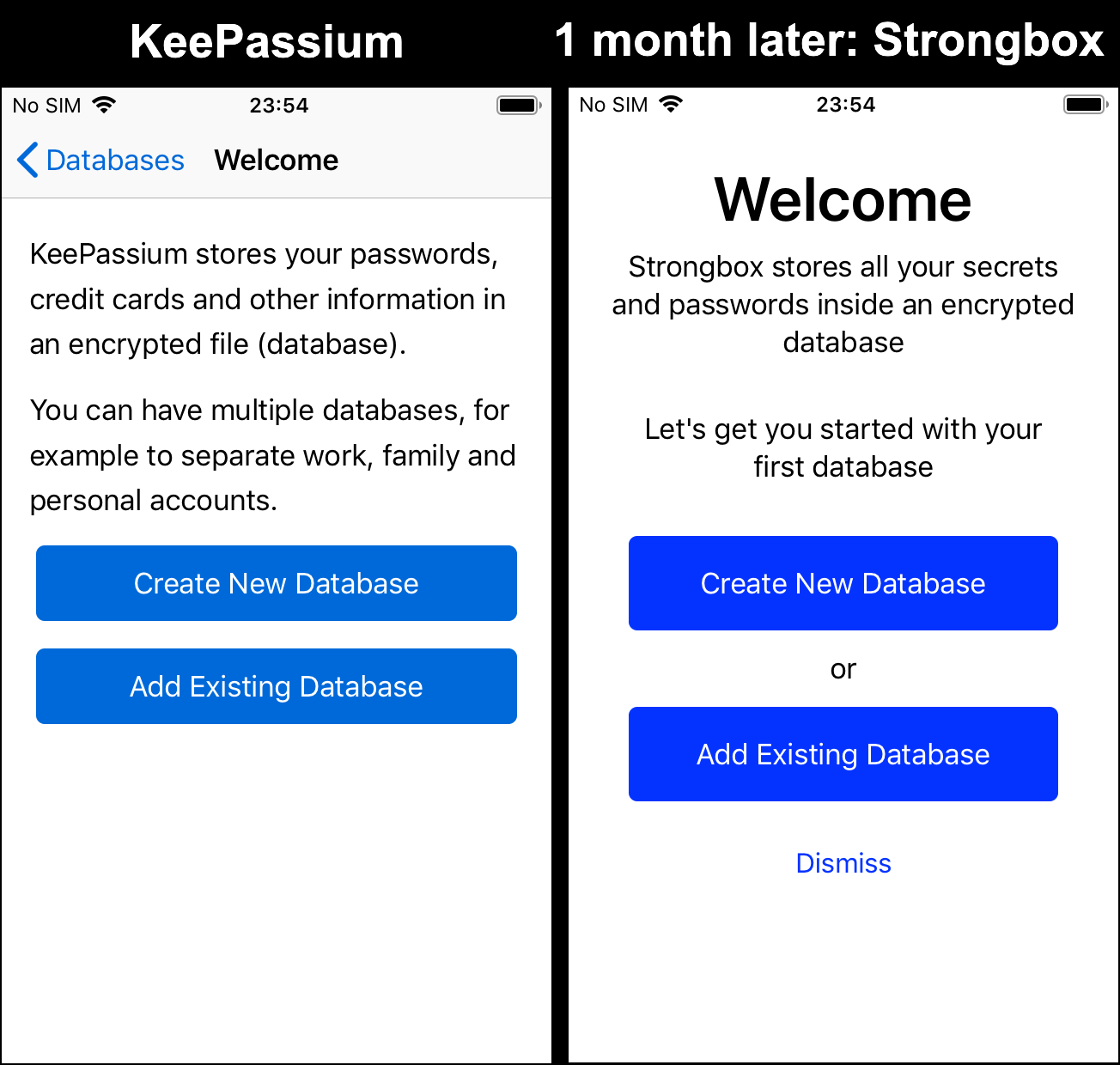
There are iOS Keepass clients that support this as well, though from what I can tell there's some drama with source code[2][3] in the landscape.
We are undergoing the same CASA audit (required to access Google Drive API). And we do have people forking and building the project from source, so one can hope they read what they compile. Strongbox' source code is half-closed (see #784 in their repo) so source-level independent audit is impossible.
Otherwise, no. A third-party audit costs like a year of part-time developer, and at this stage the developer is more useful.
If you do not need QR codes, oathtool is great. You can protect your tokens, recovery codes etc. with gpg -c or similar, so the encryption is entirely separate from the authentication mechanism.
And you actually know what is going on. Works for GitHub.
Raivo was bought by a shady developer last year and is no longer open source. If that wasn’t enough, a few weeks ago they released an update which deleted all your codes - failing at literally the one job a 2FA app has!
Same, that was also my lesson that RAID is an availability mechanism, not a data safety/backup one. (Of course, Ransomware would also hammer that point home for many later on)
ESPN's 30-for-30 episode "Broke" is a great watch. It does seem though that newer generation athletes are a bit better educated in that matter since they're better connected online, but that might just be anecdotal.


(Though I will say that Aseprite has taken over as my preferred Pixel Art editor.)